Your test tool handles simple HTTP flows, but your landscape is full of EDI, IDocs, JMS queues, modules and bridges.
Real SAP landscapes are not only HTTP to HTTP. Whatever you use in your SAP PI/PO or SAP Cloud Integration project, the Figaf Testing Tool in Figaf DevOps Suite can handle the test case for it, without any programming: EDI comparison, the output of your modules, bridges such as the async to sync pattern, EDI separators and other common patterns. Integration developers, testers and migration teams use it to test the full landscape, not just the easy flows.
How it works
Native senders on Cloud Integration. Figaf sends test messages natively through HTTP, SOAP, IDoc and JMS senders, and through ProcessDirect via a proxy iFlow. For JMS you deploy an HTTP to JMS iFlow that sends the message. Test runs work on the iFlows you have created, without modifying anything.
Any other adapter. If an iFlow starts with another adapter, such as SFTP, or with a schedule step, Figaf creates a copy of the iFlow with an HTTP sender so it can always be tested. Camel headers such as CamelFilename are kept by routing through ProcessDirect, and since release 2601 you can choose another HTTP step to process the test instead. You can delete all test iFlows created by the tool in one action.
Formats you can compare. XML, JSON, text, EDIFACT, X12 and Tradacom. For EDI, the comparison can ignore elements of the X12 and EDIFACT standards, so you can check that mappings and the EDI conversion work the same after an upgrade, including output customized with the B2B add-on.
Patterns on SAP PI/PO. Figaf supports sync to async, async to sync and EDI separator patterns, most without configuration. You can record in the module or on the ICO, record JSON payloads in their original format, check that a message has the correct status after an adapter has processed it, and since release 2601 test XI 3.0 messages directly.
Multi-mappings and chains. A 1 to unbounded multi-mapping payload is split into separate messages for testing, and iFlows with several ProcessDirect calls run as one test case.
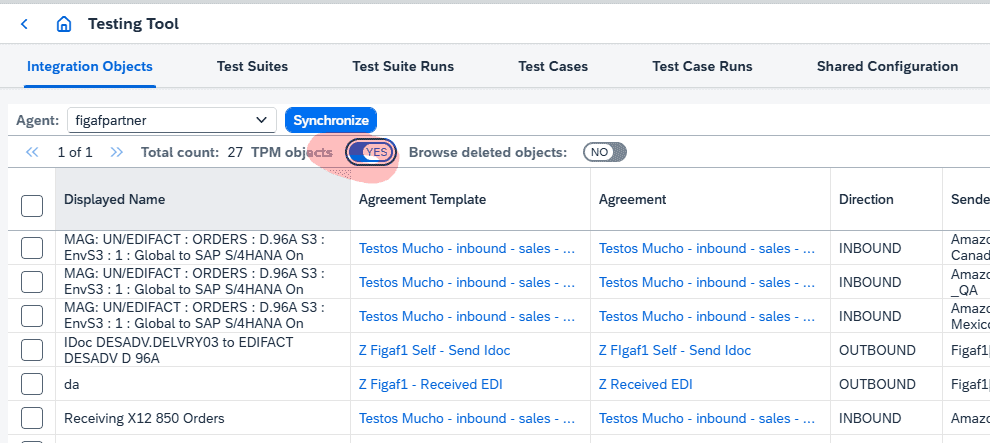
B2B on TPM. Test cases are linked to TPM agreements, so you search across agreement parameters and create test cases from the next messages processed on an agreement, without trace mode. It supports MIGs and MAGs as well as ProcessDirect iFlows.
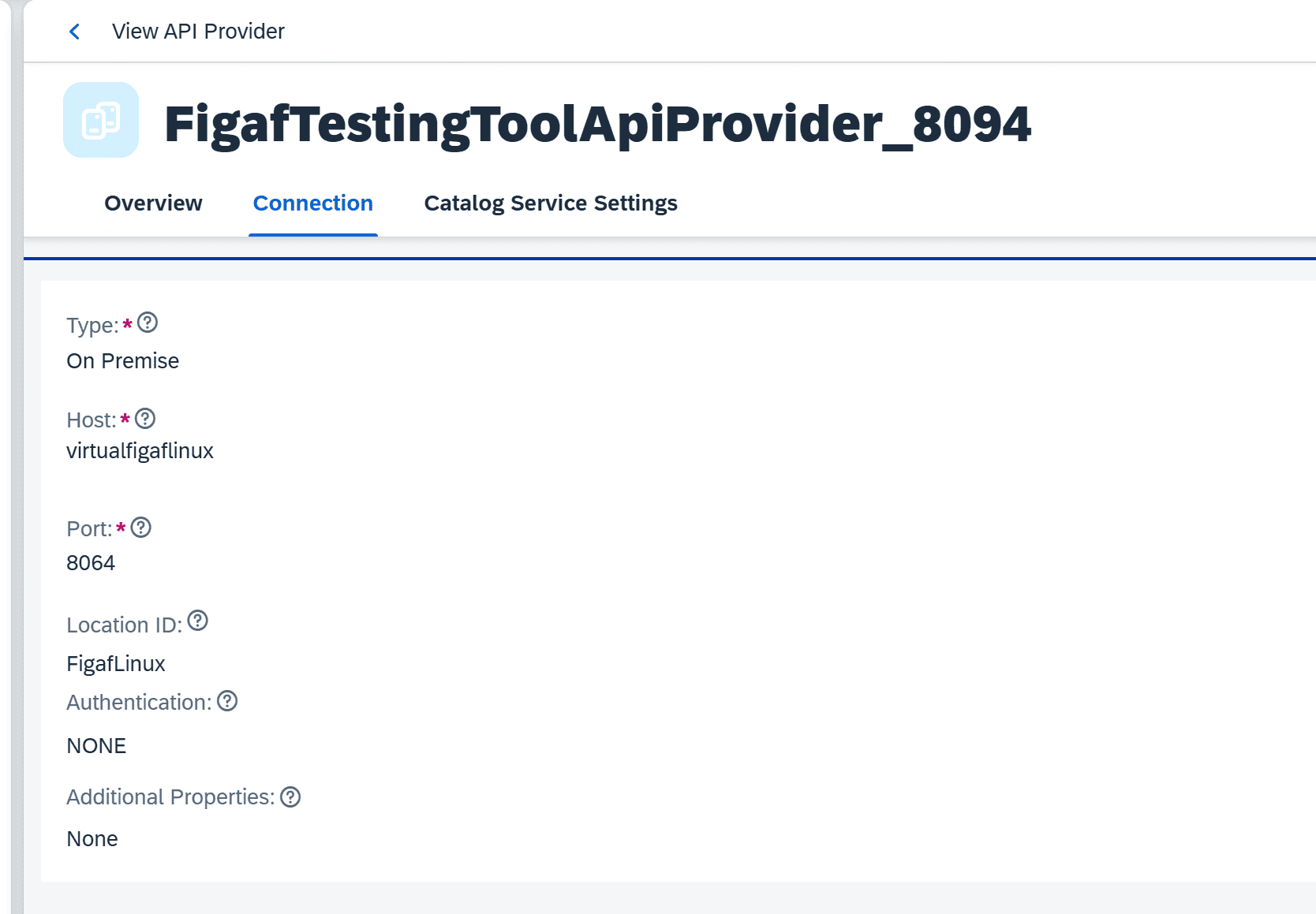
APIs and events. The same recording and comparison covers SAP API Management proxies and Event Mesh.
B2B test cases linked to TPM agreementsRecord messages from SAP API Management for testing
Business value
Test coverage for the hard cases. EDI, IDoc, JMS and bridge scenarios are often the ones left to manual testing. Covering them out of the box means fewer untested changes reach production.
No programming and no changes to your iFlows. Testers do not need to build test harnesses or modify flows, which keeps the effort and the cost of testing low.
Safer migrations and upgrades. You can compare migrated flows with recordings from SAP PO at several points. During Medela’s migration, this covered the raw X12 EDI and its conversion to EDI-XML, which caught most conversion errors early.
Less dependency on specialists. Test cases can be created and run with limited knowledge of each integration, so testing does not stop when the key developers or consultants leave.
Good to know
Testing is part of Figaf DevOps Suite and is also offered as the Figaf Testing Tool. Native IDoc senders came in release 2108, IDoc and JMS senders without changes to the iFlow in release 2304, and API Management and Event Mesh testing in release 2502. Related features: regression testing and service mocking.