
I just got a note that our Neo tenants will be updated to Apache Camel 3.14. This is because we have some custom adapter development on our Neo tenants. I would imagine that this will also impact Cloud Foundry/Integration Suite. And I’m also surprised that the Neo will get this update.
Update Oct 2023: It seems like the Integration Suite is also getting this information now. So if you have custom adapters ask for a trial tenant and upgrade your adapters.
Update Feb 2024: The Camel upgrade has not been applied. As I understand it, some problems have postponed the update. During the Integration Suite update in January it sounded like the update will be applied in Q2 2024.
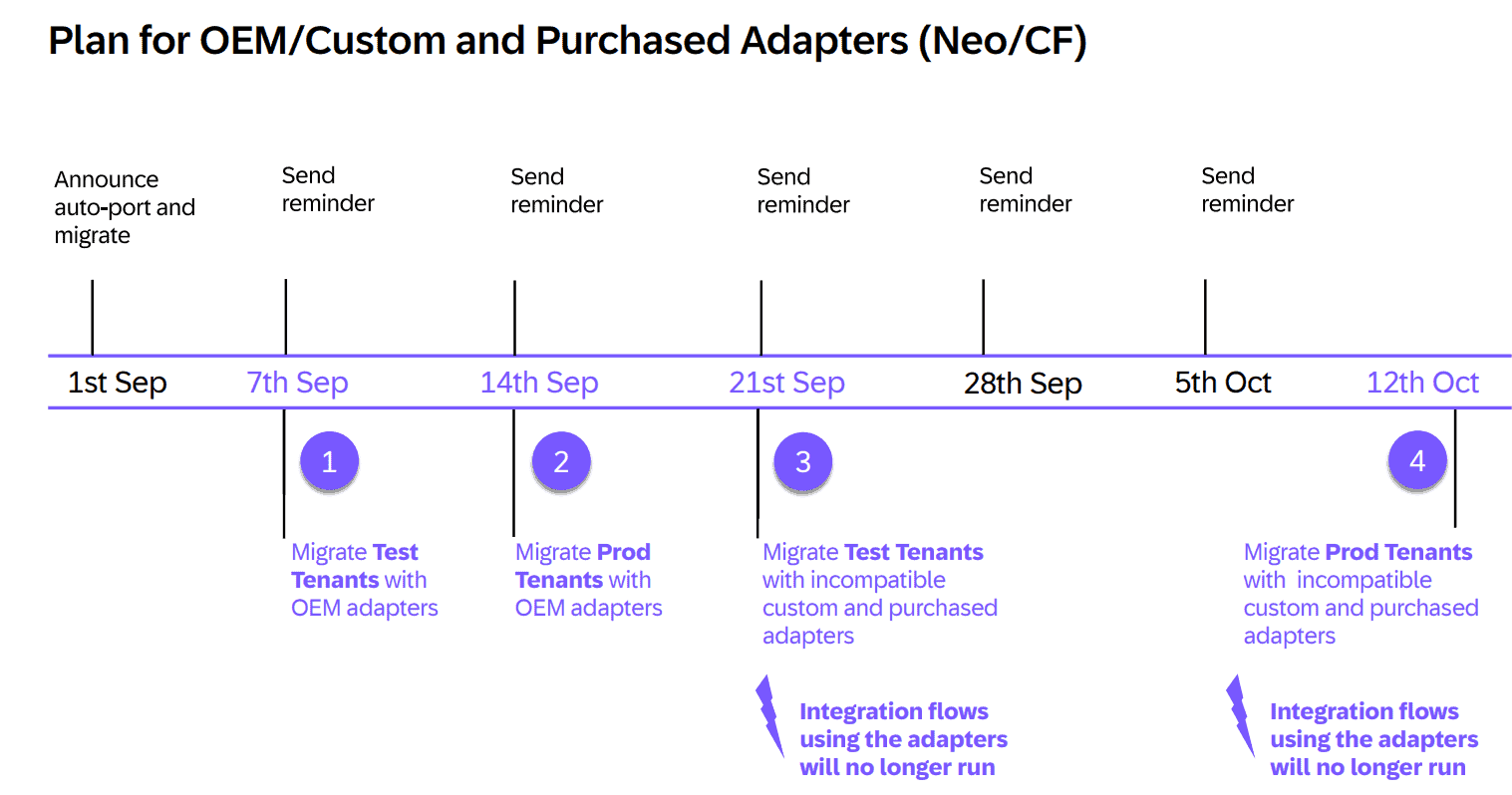
Update Aug 2024: There is a new plan for the upgrade. Which seems to be a much shorter timeline than expected. Please ensure you have your adapter updated. See the presentation page 35 forward.
Update October 2024: There are some challenges with Camel expressions that you must know. We have added this plus created a tagging rule for the Figaf tool to simplify the journey.
Update March 2025: Many have already had their tenants updated, and a new problem has been added.
If you have some groovy scripts that are using camel or low level framework call it would be a good idea to have a good number of test cases for your landscape. That way you can catch problems much faster and fix the issues before they hit your productive systems. I have no idea of what can be affected and if there is any impact. I sure hope that there are none.
If you want to use Figaf to test your upgrade, you can start a free trial, install Figaf and start creating test cases. You can follow the guide.
Simple expression problems
There are some problems related to Camel expressions that you need to consider.
3383568 List of possible changes
This note list the properties that could cause problems when migrating.
Confusion on ${in.body}
There are some confusing elements about whether ${in.body} will still work see the documentation It links to the next note that just covers something about upper case of the object and it still mentions that in.body will work. We have a tagging rule for in.body cases also, but we also don’t know if it is a problem and if it will be fixed.
3383659 SimpleParserException After Upgrade to Camel Runtime 3.14.
Here the problem is the way expressions uses upper case in the Simple Expression for instance ${in.Body}. In Camel 2 you first get this as a runtime error where in Camel 3.14 you get it as a deploy time error. I don’t think this is a big problem.
3516570 Problem with operators using \n \r \t
There seems to be a problem with ${in.body.replaceAll(“[\r\n]”, “”)}. In Camel 2 this worked but in camel 3.14 you need to replace this with a groovy script. This is something that can cause problems in the iflows where you use the expressions.
3435465 Usage of Property in filter steps
In the filter “${property.propertyname}” needs to be changed to “${exchangeProperty.PropertyName}”. It mentions filter steps where it is executed and where SAP may not have performed the mapping to the Camel step.
3404057 No more polls in schedule
If you have a scheduler that is not going to be triggered anymore it will give an error in the deployment. I don’t think this is a big problem because you probably then don’t want the flow to be run anymore. Then it is just to undeploy it.
3383568, General Splitter
General Splitter component work differently for some scenarios if Splitter XPath expression and Grouping configuration were unexpectedly overridden by the returned headers from the Global Flow. See more
Find the problematic iflows
In Figaf we have a tool to search a full PI or Cloud Integration system. It is our Tagging concept. We have added two rules that allow you to search for property in filter or the \n \r \t in all your iflows. To use this do the following
- start a free trial of Figaf DevOps Suite, or sign up for the free Migration Edition
- Install it locally
- Add the license key
- Connect to SAP Cloud Integration
- Possibly create a dummy agent for SAP PI
- Go to the tagging page and download the latest json file
- Upload it to your tenant under tagging rules
- Perform the tagging
- Check the iflows that have been marked
We have tried our best to understand SAP’s challenge and created a search for it. We cannot guarantee that we will find all issues, but at least it is a good place to start.
Watch on YouTube How you can check SAP Integration Suite before the Camel 3.14 upgade
The original message
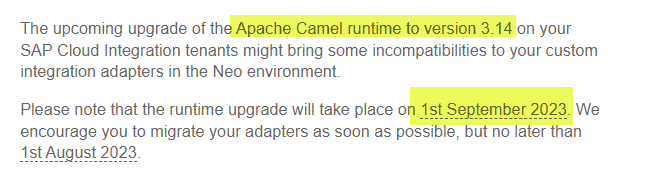
Before the upgrade, SAP was running Camel 2.24 according to CPITracker (the email lists 2.14). 2.24 is from 2019, so it was quite old.
You can read more on the help page for the upgrade.
It is exciting that the version will be upgraded and hopefully give Cloud Integration better performance and hopefully some new features.
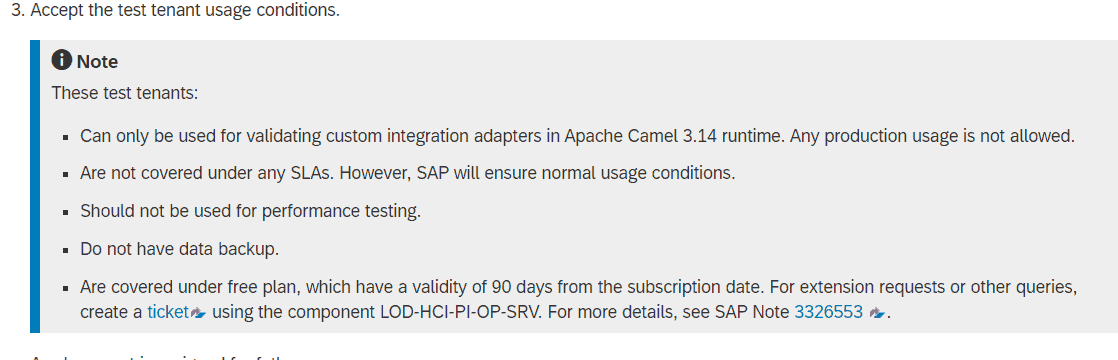
Once you get the tenant started you can try test the migration. Here I show you how easy it is to create and run tests with Figaf.
Watch on YouTube SAP Cloud Integration: Testing Neo to new Camel runtime version
Why Camel 3.14
According to the documentation, Camel 3.14 is the last Long Term Support version for Java 8. So moving to a newer version will have a huge impact because it will require updating other components and breaking the possibility of running on SAP PI/PO. I’m not sure if this also will mean you need to upgrade your PI system to support the cases.
Edge Integration Cell is now generally available for running Integration Suite content in your own landscape.
What SAP will enable is interesting. It seems like it will have lower memory usage and more components that can be switched on. And it is a more modulized setup.
If you have the old OEM adapters from Advantco, then they will most likely not work anymore. So you will need to migrate before this date or purchase their new adapters.
Testing
SAP has tested to keep the change minimal for their upgrade. There will be some impact of the adapters as stated in the email that you will need to test.
I don’t know what the impact of the changes will be in terms of your integration. If you are using some low-level APIs, then it could have an impact and will require you to change the setup. There could also be potential problems with some ways of processing and how the adapters will react.
I recommend setting up 25% of your iflows as test cases to ensure they perform normally. Then request the test tenant and perform your tests on it. If you want to speed up the test then getting Figaf to help test the upgrades with will simplify the testing. I’m though biased, and I have no idea of the impact. Having a good automated test will enable you to document the changes with SAP before the upgrade giving you or SAP time to resolve the differences.
If you want to test this upgrade, you can start a free trial and test the impact on your own data.