
As a release manager, you’re responsible for overseeing multiple platforms and ensuring that software releases are executed flawlessly across the board. The SAP Integration Suite plays a crucial role in the overall process, making it vital to manage and track its components effectively.
The Figaf DevOps Suite is designed to simplify governance and release management for SAP Integration Suite, making your job much easier. In this blog post, we’ll explore the key features of the Figaf DevOps Suite and how it can improve your release management process, even if you’re not an expert in SAP integration.
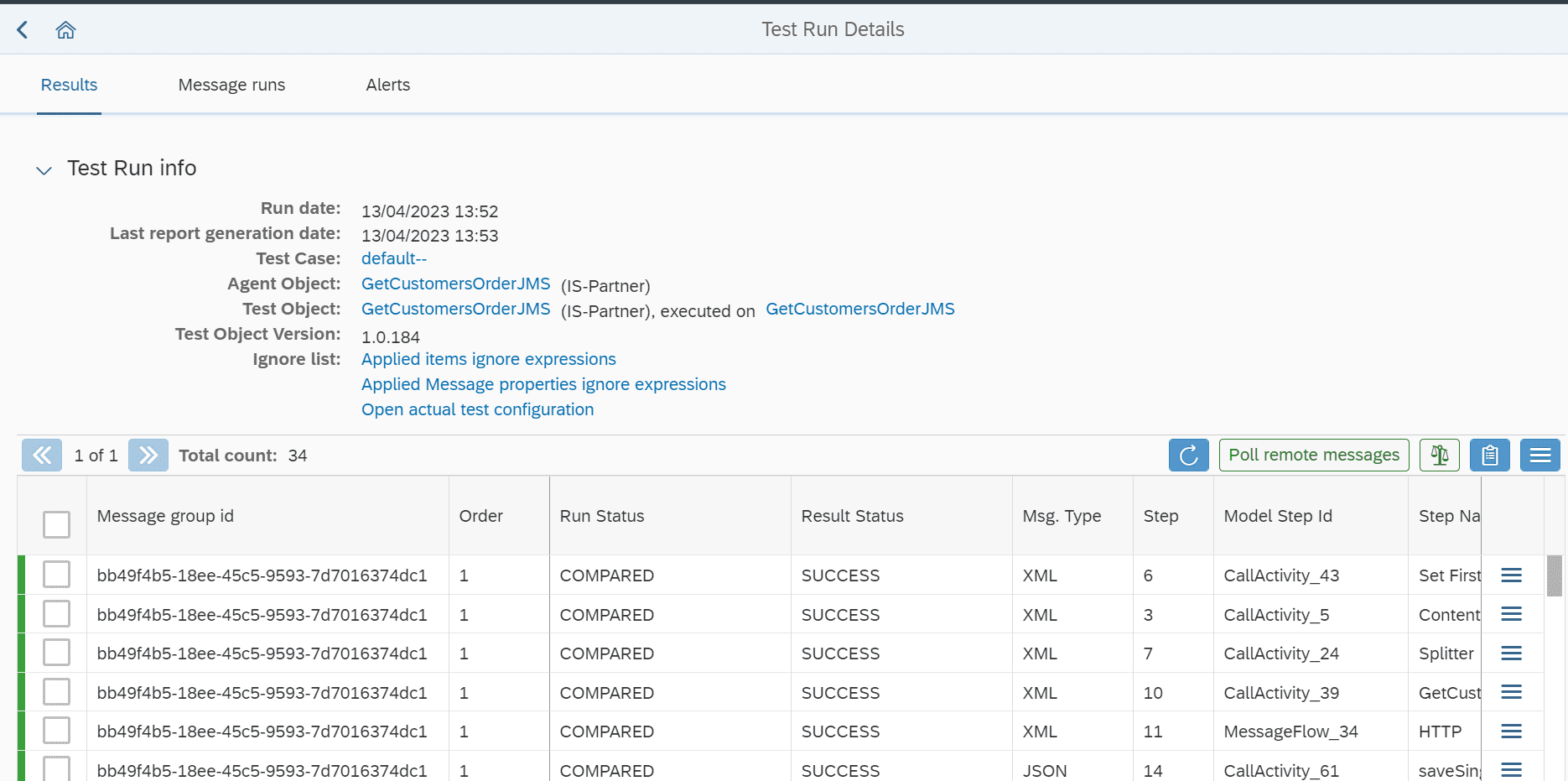
Ensuring comprehensive testing of iFlows and integrations
A robust release management process requires that all components of the system have been adequately tested. The Figaf DevOps Suite enables you to easily verify if iFlows and integrations have undergone the necessary testing, even if you’re not deeply familiar with the SAP Integration Suite. This feature ensures that you can confidently release new updates and changes, knowing that they’ve been thoroughly vetted.
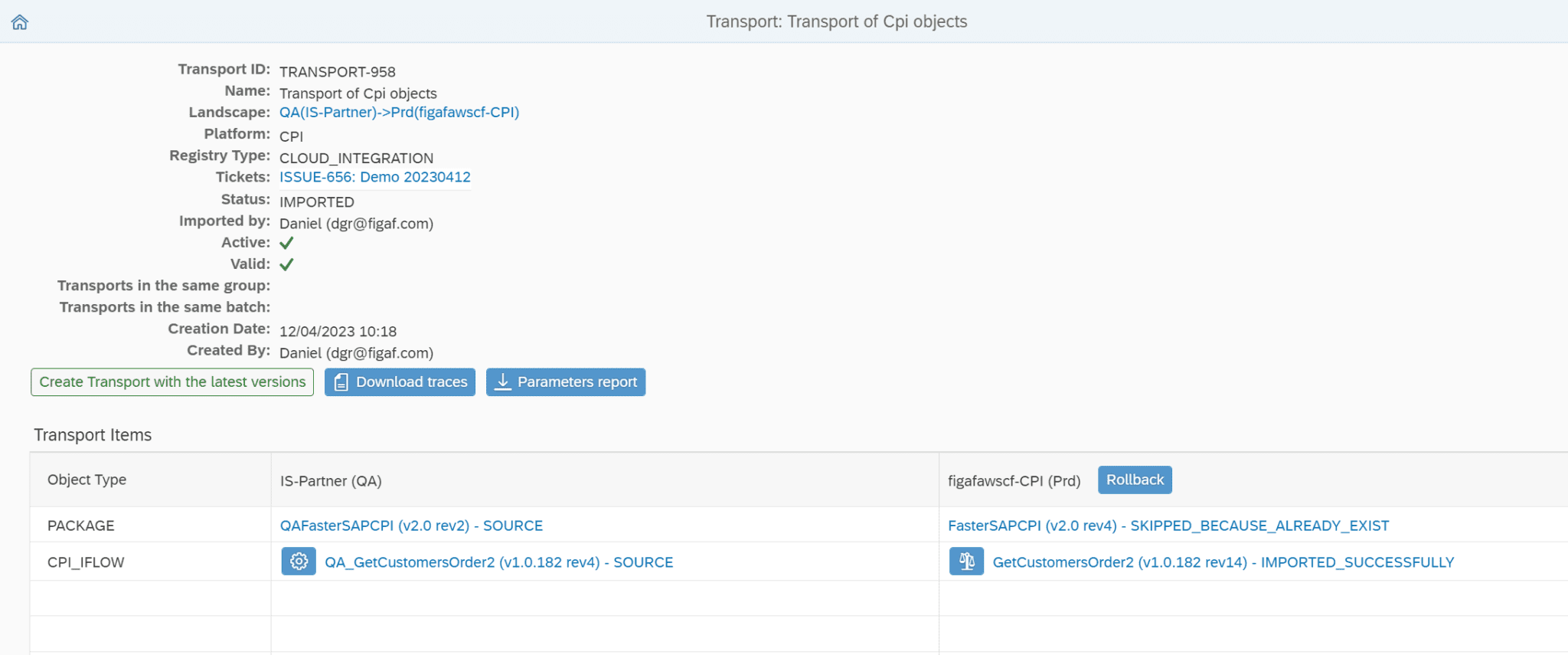
Tracking transported flows
As a release manager overseeing multiple platforms, it’s essential to have a clear understanding of the various flows that have been transported within your SAP landscape. The Figaf DevOps Suite provides visibility into these flows, allowing you to track them effectively. With this feature, you can easily monitor the status of transported flows and ensure that they align with your release management plan.
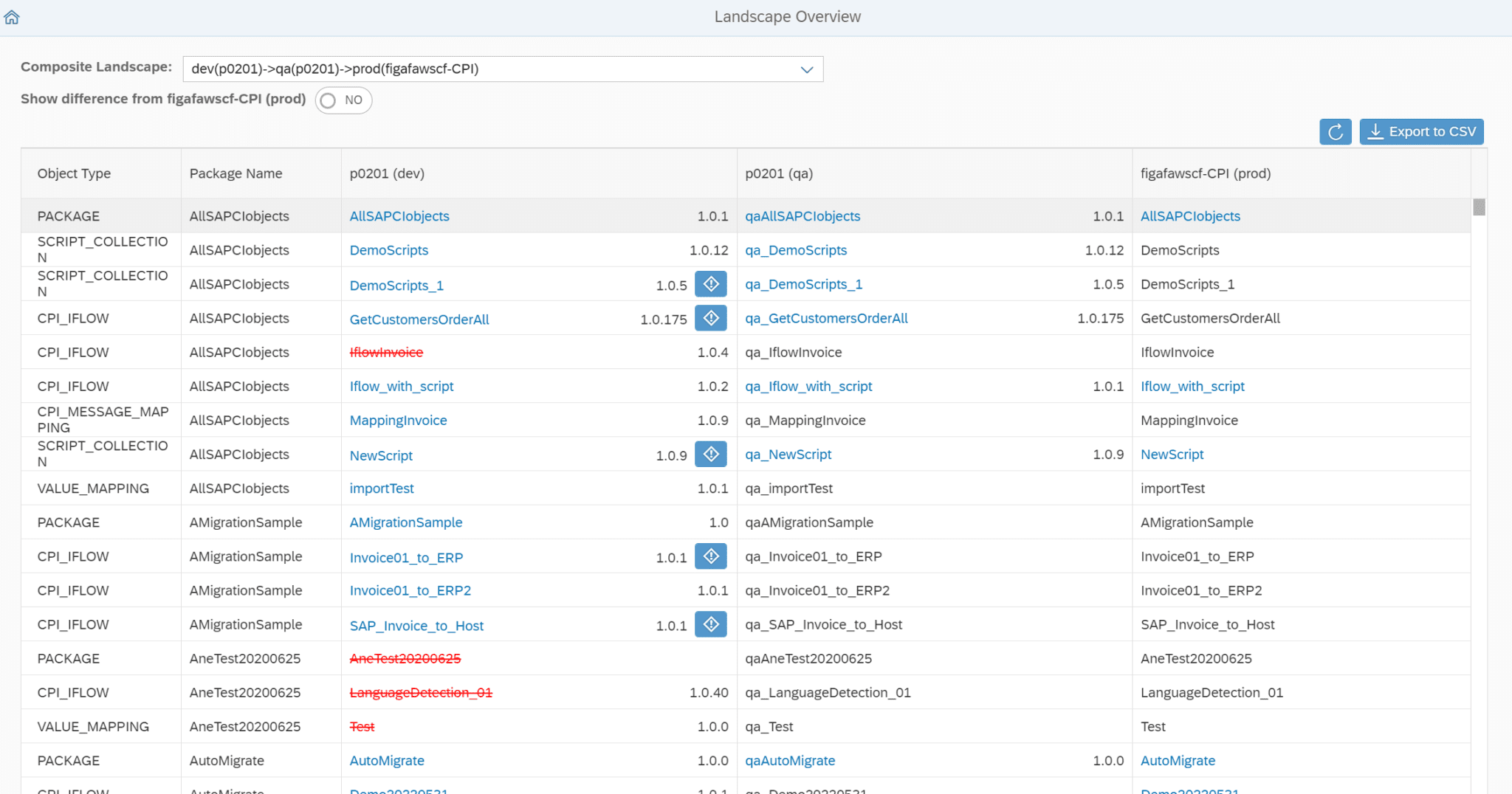
Landscape visibility
Having a clear view of your SAP landscape is essential for efficient release management. The Figaf DevOps Suite offers comprehensive landscape visibility, giving you the information you need to manage your releases effectively. With this feature, you can quickly identify any issues or inconsistencies in your landscape and address them before they become critical problems.
Streamlined governance and enhanced approval process
The Figaf DevOps Suite not only simplifies governance but also offers a better approval process for SAP Integration Suite. This feature allows you to control who approves each integration, ensuring that no one can perform tasks manually without proper authorization. With the Figaf tool, you can be confident that your releases are being managed efficiently and that your approval processes are secure and reliable.
Conclusion
The Figaf DevOps Suite is an invaluable resource for release managers working with multiple platforms, including the SAP Integration Suite. By simplifying governance, providing visibility into your landscape, and ensuring comprehensive testing of iFlows and integrations, the tool makes it much easier to manage releases effectively. Furthermore, its enhanced approval process ensures better control over integration approvals.
Get started today with the Figaf DevOps Suite
Don’t miss out on the benefits of the Figaf DevOps Suite. Encourage your developers to start a free trial of the Figaf DevOps Suite to test the integration. By allowing them to experience the setup firsthand, they’ll gain a better understanding of how the tool can help streamline their work and improve the overall release management process. Take the first step toward a more efficient and reliable release management process today by adopting the Figaf DevOps Suite for SAP Integration Suite.
Embrace the Figaf DevOps Suite to improve your release management process and enjoy greater peace of mind in your role as a release manager.
