Your failover tenant only helps if it runs the same iFlows with the same configuration as production, and keeping them aligned by hand is hard.
Replication to failover tenants keeps two production SAP Cloud Integration tenants in sync, so a failover tenant is ready to take over. It is used by larger organizations that run a high availability or disaster recovery setup for SAP Integration Suite. SAP describes the infrastructure for such a setup; what is missing is a way to make sure both tenants have the same iFlows and integration content deployed with the same configuration, and that is what Figaf adds.
How it works
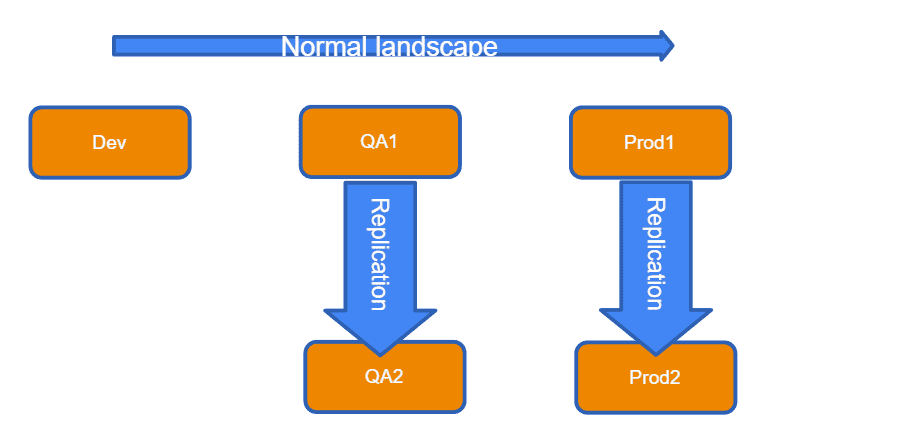
A replication landscape. You set up a new landscape transition between two production tenants. The first is the master system (Prod1), the second the failover tenant (Prod2).
One direction only. When Figaf sees a change on Prod1, it replicates the content to Prod2. You cannot replicate in the other direction.
Transports follow automatically. If you transport to Prod1 with Figaf, the replication to Prod2 happens automatically, so each iFlow deployed on production is moved and configured the same way on the failover tenant.
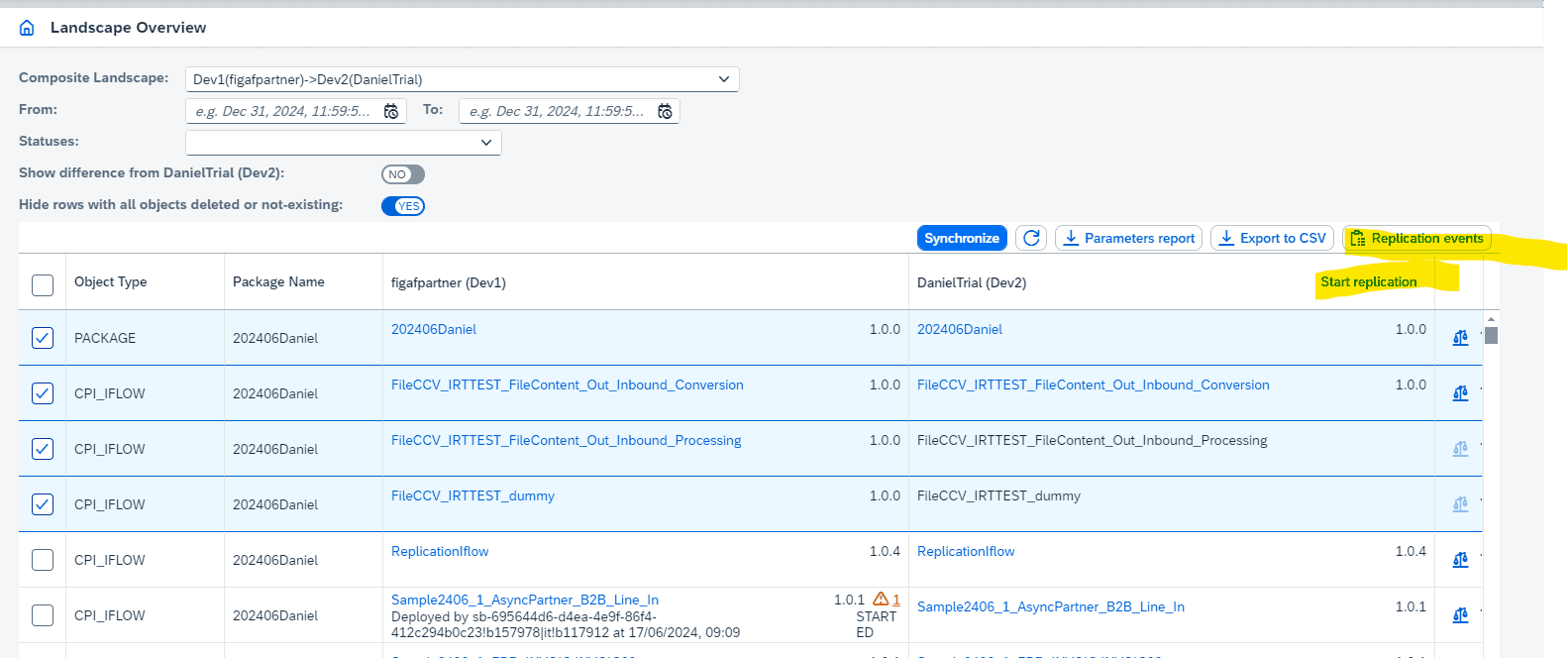
Manual replication. You can also select objects and start replication yourself. To begin with, nothing is replicated, and Figaf recommends that you start in smaller batches to get to know the flow.
Security artifacts. To make replication work, Figaf also handles security artifacts. You can create and edit them in Figaf without admin access to the tenant, and add credentials to a transport together with the iFlow that needs them. Users cannot see the passwords, but they are stored in the Figaf database.
Deployment in batches. In a failover situation, or when a system is down, you can deploy or undeploy a large number of iFlows at once, and set how many run concurrently.
Requirements. You need the failover infrastructure for SAP Integration Suite in place. This type of transport requires a special license.
The replication landscape between two production tenantsSelect objects and start the replication
Business value
A failover you can rely on. The failover tenant runs the same content and configuration as production, so switching over does not reveal missing or outdated iFlows.
No double work. Developers and operators do not transport and configure every change twice, which saves time on each release.
Lower risk of human error. Replication is driven by what Figaf sees on the primary tenant, not by someone remembering to copy each change and its credentials.
Governance stays intact. Changes still reach production through your normal approved transport process, and the failover tenant follows from that.
Good to know
Available since release 2408, together with security artifact management. Deployment in batches came in release 2411.
Replication requires a special license for Figaf DevOps Suite. Contact Figaf to ask about it.
Keep your failover tenant identical to production, automatically
When Figaf sees a change on the primary production tenant, it replicates the content and its configuration to the failover tenant, including changes you transported with Figaf.
See replication to failover tenants on your landscape