You need an overview of everything on your tenant and how it is configured, but you would have to open every iFlow to get it.
Figaf already holds the data about your SAP Integration Suite tenants, so it can export it as reports. The tenant report gives you an overview of every item on a Cloud Integration tenant, and the parameter report lists the externalized parameters across the whole landscape. Integration architects, developers and operations teams use them for governance, transport preparation and audits.
How it works
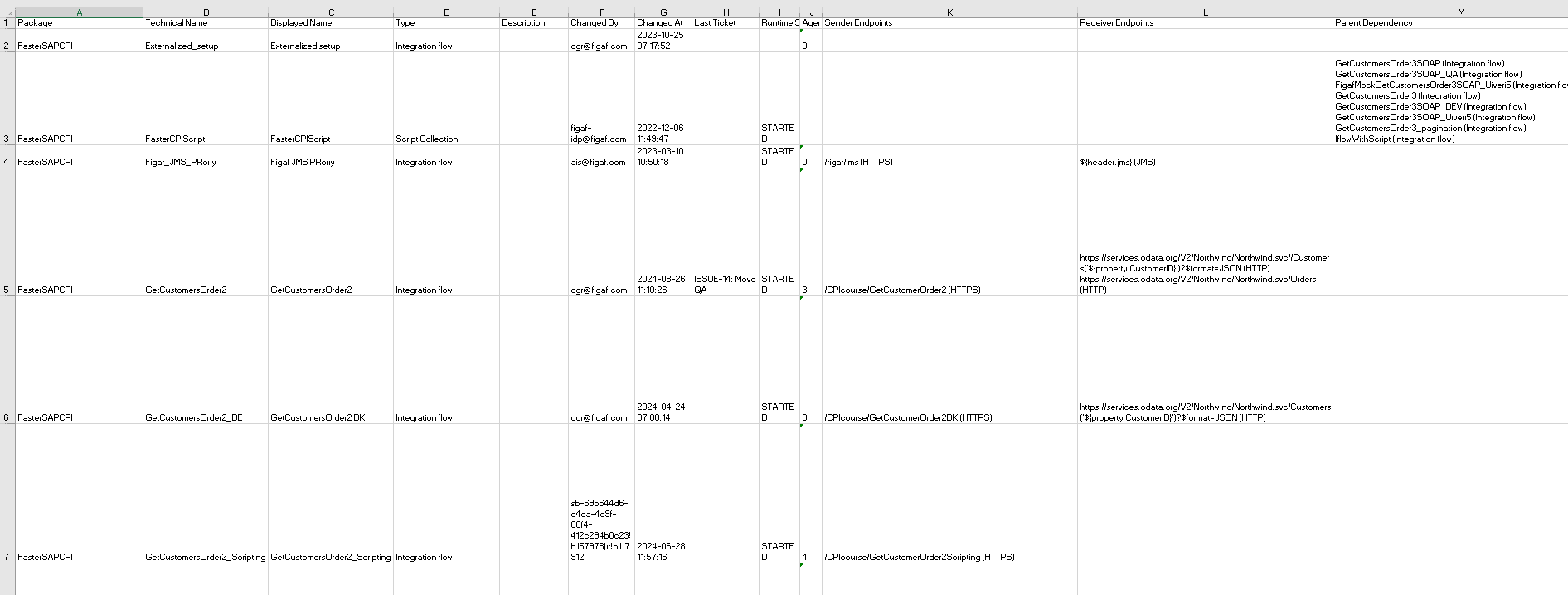
Cloud Integration tenant report. Since release 2410 you can generate a report of all the items in your tenant. It contains the name and package, versions and deployment status, endpoints, connections through dependencies such as ProcessDirect, usage of security artifacts, external configuration, and the tags that describe what an iFlow is used for. The report is an Excel file.
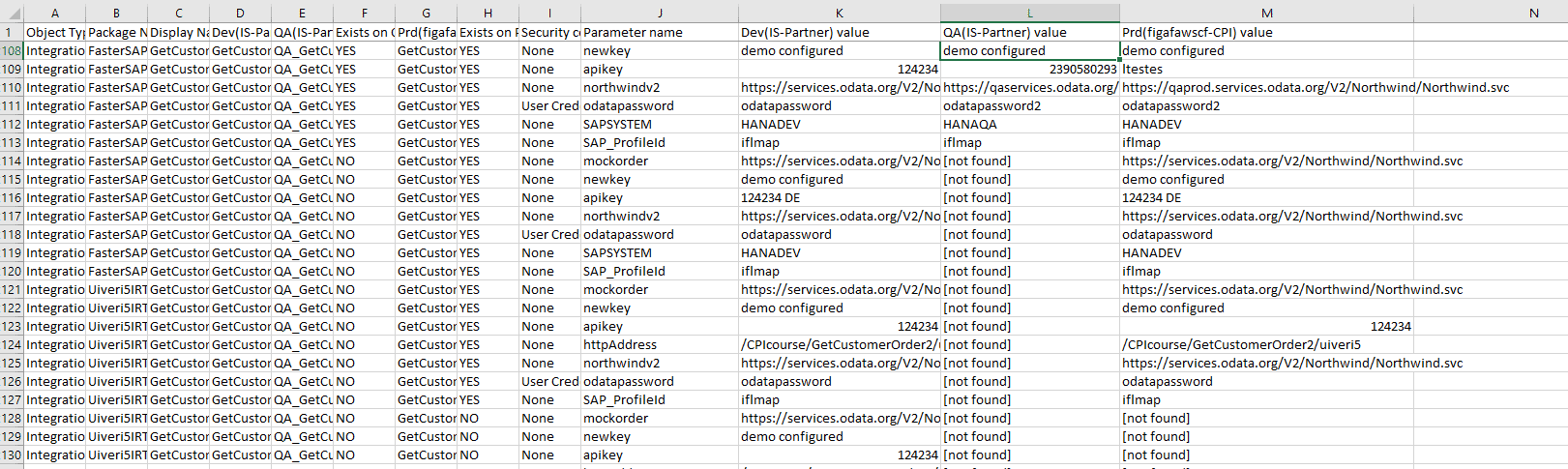
Parameter report. Since release 2404 you click Download Parameter Report on the landscape and get a CSV report of the parameters configured in the landscape, without opening each iFlow to find them. It was built to make it easier to set up the correct search and replace values from Dev to QA and from QA to production.
Used and unused parameters. From an object you can open the BPMN model in the viewer and see which externalized parameters are used in the flow and where, and which are not (release 2403.1). This is also available when you approve a transport.
Landscape report. The landscape report for Cloud Integration and API Management shows differences between development and production and what is deployed. It includes packages (release 2206), and when, by whom and with which status artifacts were deployed (release 2308). Since release 2409, every Cloud Integration object has a fingerprint, so the report warns when two versions with the same number are not the same.
Deployed versus configured. In the landscape configuration you can show the difference between the configuration at design time and what is deployed (release 2411). Run a full synchronization first so Figaf has access to all objects.
Part of the Cloud Integration tenant reportThe parameter report across the landscape
Business value
A full picture without manual work. The reports collect information that would otherwise mean opening every iFlow and copying values into a spreadsheet by hand.
Find configuration mistakes. Scrolling through the parameter report shows where someone forgot to change a host or parameter, before it causes an incident.
Clean up old configuration. Customers often have a lot of old configuration in place. The reports show it across the whole landscape, and which parameters are not used at all.
Evidence for audits. A report of what is deployed, in which version and with which security artifacts, gives auditors and managers a documented state of the tenant.
Shared knowledge. The overview is available to the whole team, not only to the developer who built the flows.
Good to know
The tenant report was introduced in release 2410, and the parameter report in release 2404. Figaf will enhance the tenant report based on input from users.
One report of everything on your tenant and how it is configured
Export a report of every item on a Cloud Integration tenant, with versions, endpoints, dependencies and configuration, and a parameter report of externalized parameters across the landscape.
See tenant and parameter reports on your landscape