
In May we have been occupied by building a tool to make SAP PI to CPI migrations possible. It has taken a lot of our development time to handle the process. We did still have time to develop some new features to make it easier to use SAP CPI that made it to our 2105 release.
Comparison of objects between different systems
We have now added the option to compare any object in the landscape with other objects in the landscape. This makes it a lot easier for you to see what is different, for example in the support process.
You can see a demonstration here.
Watch on YouTube Figaf Comparison of SAP PI/CPI objecs in a landscape
Improved testing support for SAP CPI
In Cloud Foundry you have the option to make OAuth2 keys. Previously you needed to make sure the key had a Password as an attribute. Now we can add the OAuth2 URL to the Agent configuration to get OAuth tokens while testing. All you need to do is to add the OAuth2 URL to the agent.
We have also added support for iFlows with CSRF protection during testing. The tool automatically figures out that it needs to find the HTTP channel that has CSRF on and will handle the lookup. All so you can run your tests much easier.
CPI iFlow monitor
We have added a number of improvements to the CPI iFlow monitor to make it easier for you to monitor your iFlows.
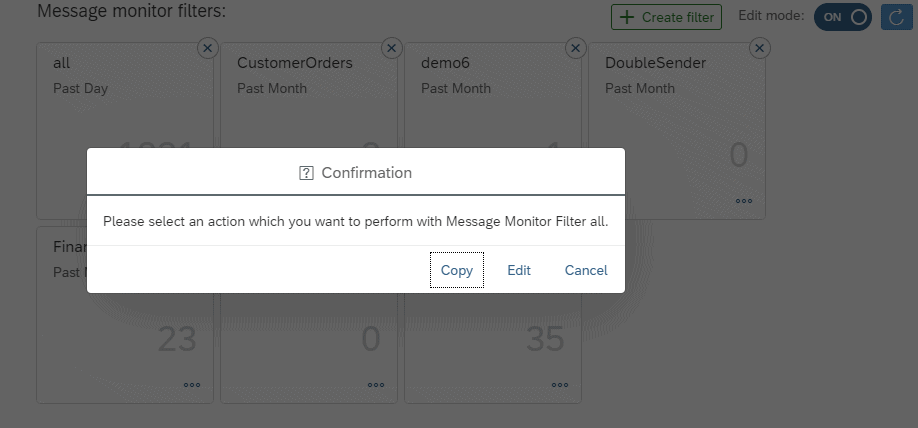
You can now copy message monitor filters, so it is easier to make different date filters.
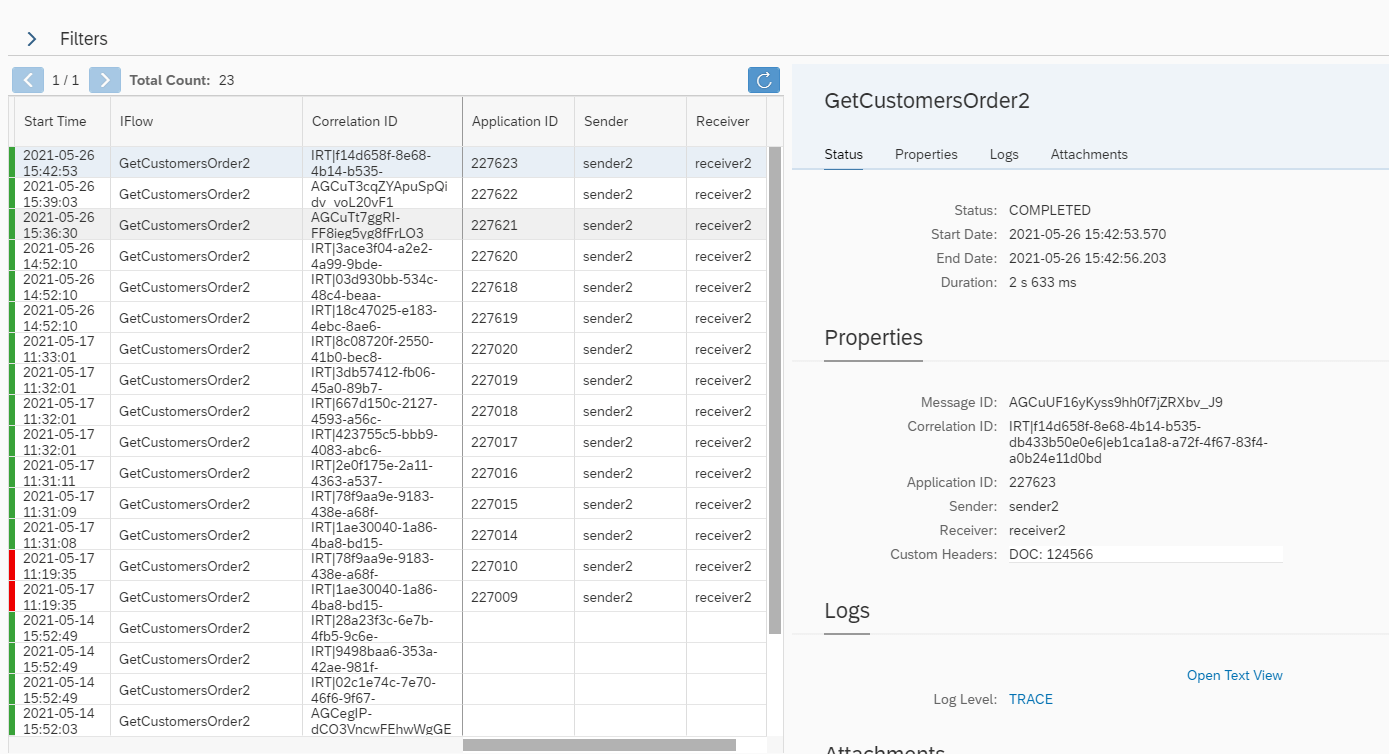
Once you have opened a tile and are watching multiple iFlows, the filters are now collapsed. This makes it easier to view your full business process and you can also improve the searching afterward.
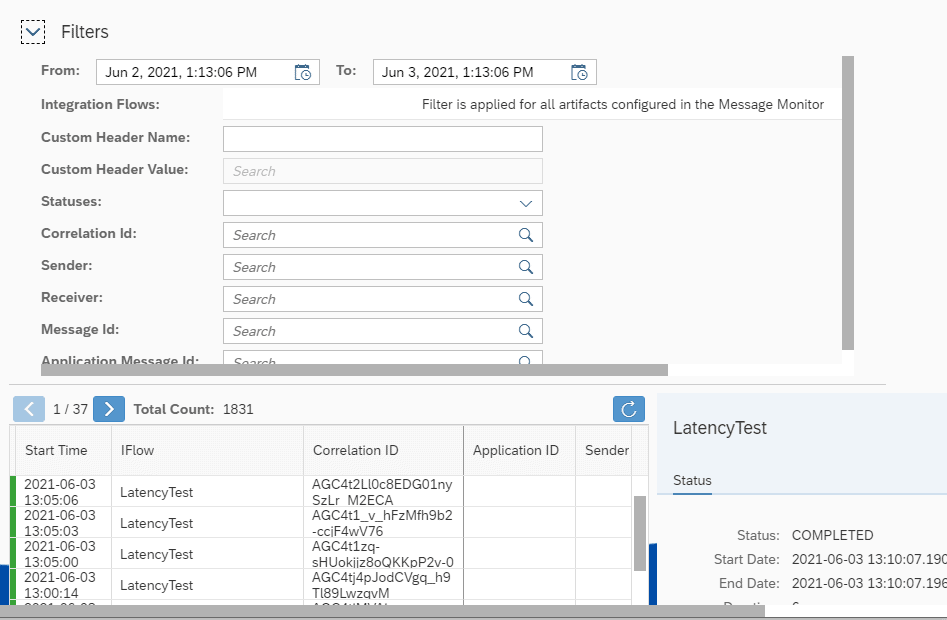
In the new filter, it is also easier to search if you have a huge number of iFlows in the list.
Try it yourself
The above features are just small but important improvements to the Figaf functionality to make it easier to manage your SAP Integration.
It takes 30 minutes to get started with the tool. start a free trial and follow our 30-minute getting started guides.
