Transform REST and SOAP API objects to IFlows
Since of 2305 Figaf Tool supports a feature to transform REST API and SOAP API objects to IFlows. Follow the steps to transform objects:
-
Go to
Change Tracking Tool → Tracked Objectspage. -
Select CPI Agent.
-
Click on
 and then click on
 Transform REST/SOAP API objects. It opensTransform REST/SOAP API objectspage with list of objects: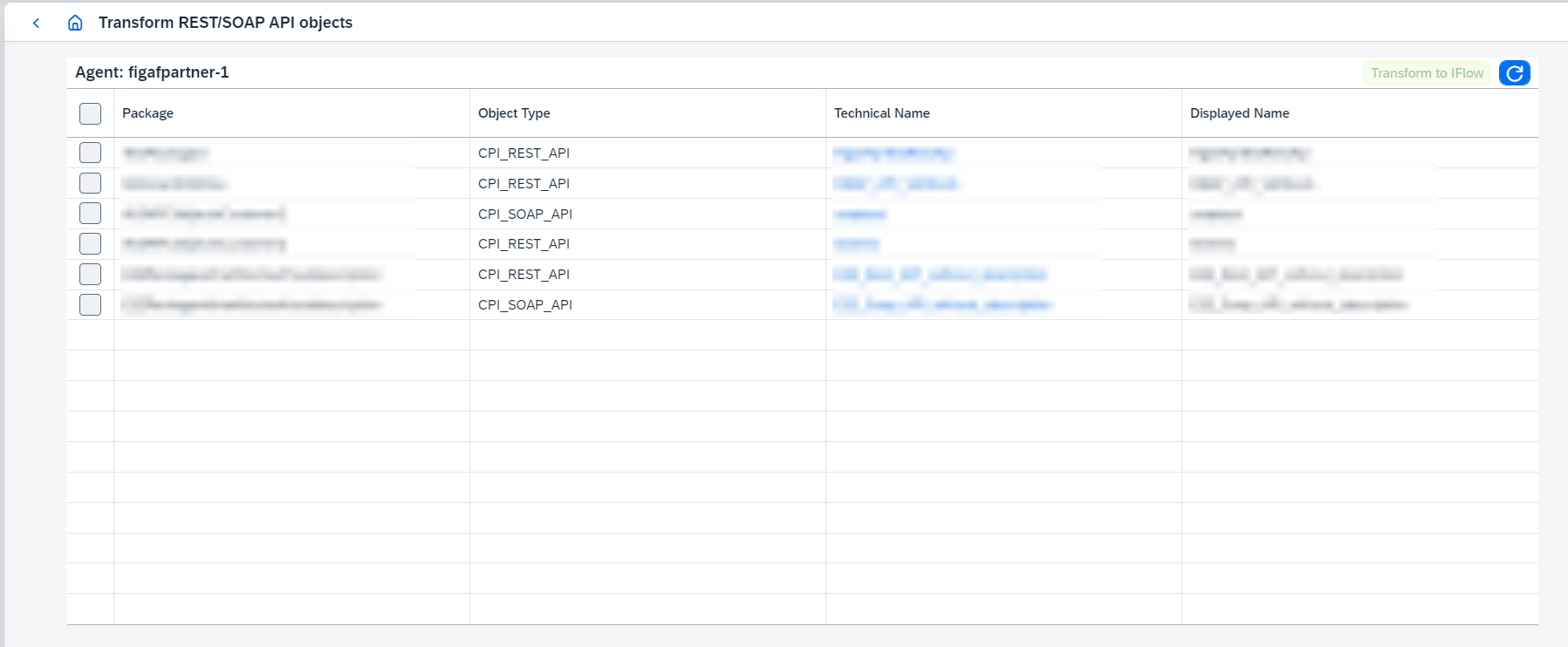
-
Select objects you are going to transform.
-
Click on
Transform to IFlowbutton. It opens confirmation dialog:
-
Choose required options:
-
Only create IFlowscreates IFlows and doesn’t delete source object. -
Create IFlows and delete/undeploy selected objectscreates IFlows and undeploys snd deletes source objects.
-
Once the operation is completed, created IFlows will be synchronized automatically. After this transformation you can use the IFlows the same way as any IFlow.
The resulting IFlows behave like any other tracked object: they can be compared, tagged, and transported with DevOps.