Releases page
Releases page shows all existing releases and looks:
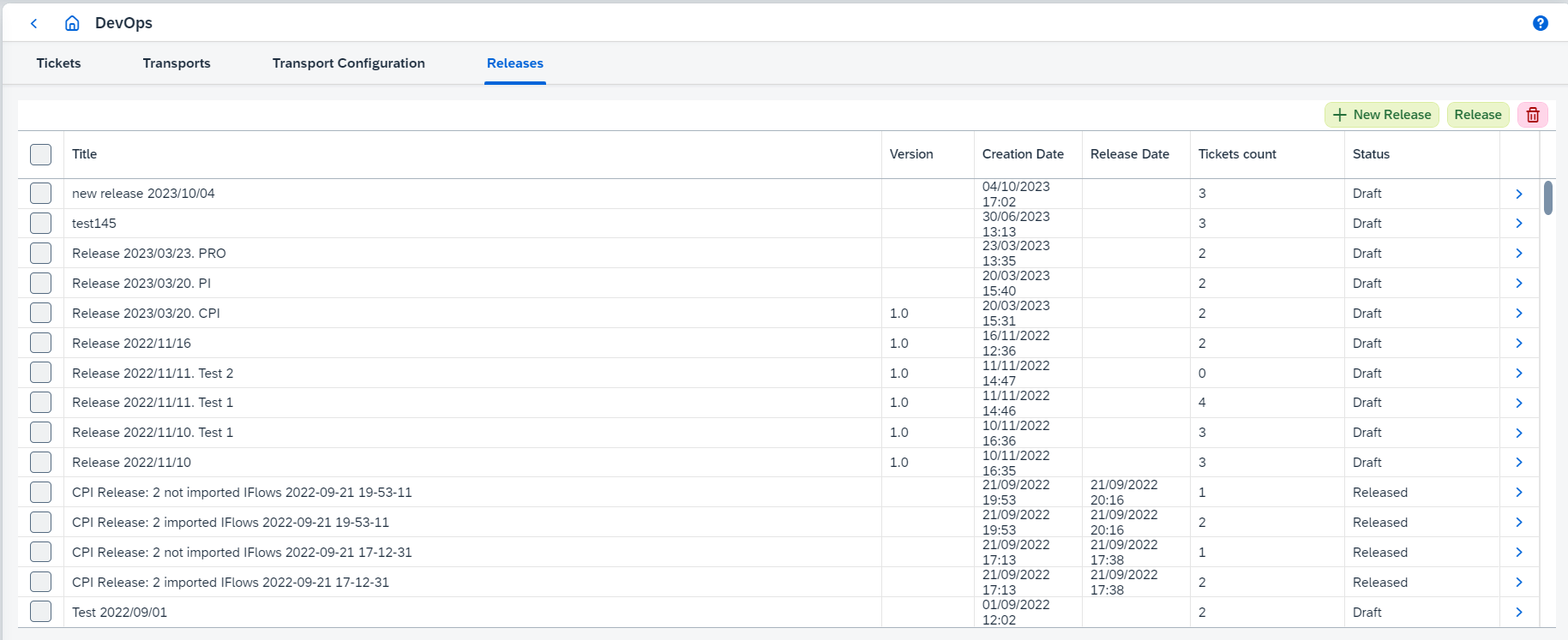
On this page you can:
-
Create new release clicking on
New Releasebutton. It opens 'Create release' dialog box where the following properties can be configured:-
Titleof new release. Should be unique within the organization. -
Versionof release. -
Default Assigneefor group ticket creation. -
Default Ticket Typefor group ticket creation. See Ticket Types for details. -
Default Landscapefor group ticket creation. The same asLandscapefor ticket (see Landscapes). -
Default Source Landscape,Default Target Landscape, andDefault Migration Landscapefor group ticket creation. The same asSource Landscape,Target Landscape, andMigration Landscapefor ticket correspondingly (see Landscapes).
-
-
Select release(s) and release it(them) clicking on
Releasebutton.Only releases which all attached tickets are in Migrated,Completed, orCanceledstatuses can be released. -
View a release details clicking on
 button. It opens release page.
 -
Select release(s) and delete it(them) clicking on
 button.
The release(s) will be deleted with all attached tickets.