Installation troubleshooting
1. License synchronization problem
If some connection issues occur during license synchronization, you will see the following dialog:
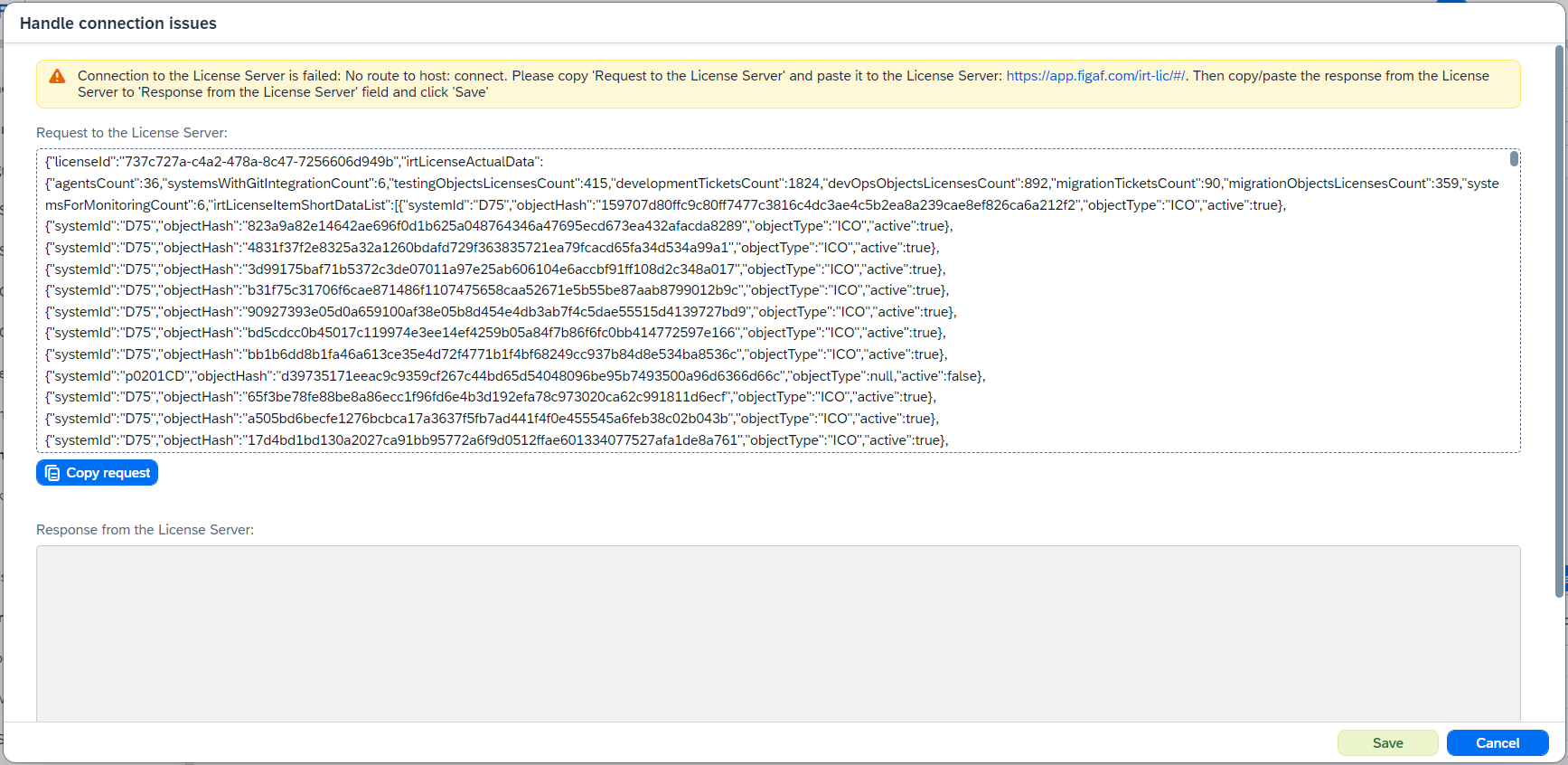
To finish the process do the following:
-
Copy JSON clicking on
Copy requestbutton. -
Paste copied request to
Request jsonfield. -
Click on
Uploadbutton. -
Copy response clicking on
Copy responsebutton. -
Go back to Figaf Tool.
-
Paste copied response to
Response from the License Serverfield. -
Click on
Save.
Next time when you will need to add some objects to the license it will ask you to do the same thing.
For the normal license flow, see License installation.