Manage Security Content objects
Since of 2408 Figaf Tool supports management of Security Content objects. Management is supported for:
-
User Credentials:
-
User Credentials;
-
SuccessFactors;
-
-
OAuth2 Client Credentials;
-
Secure Parameter.
To work with the feature go to Change Tracking Tool → Tracked Objects page, select CPI or Integration Suite Agent and go to Security Content objects tab:
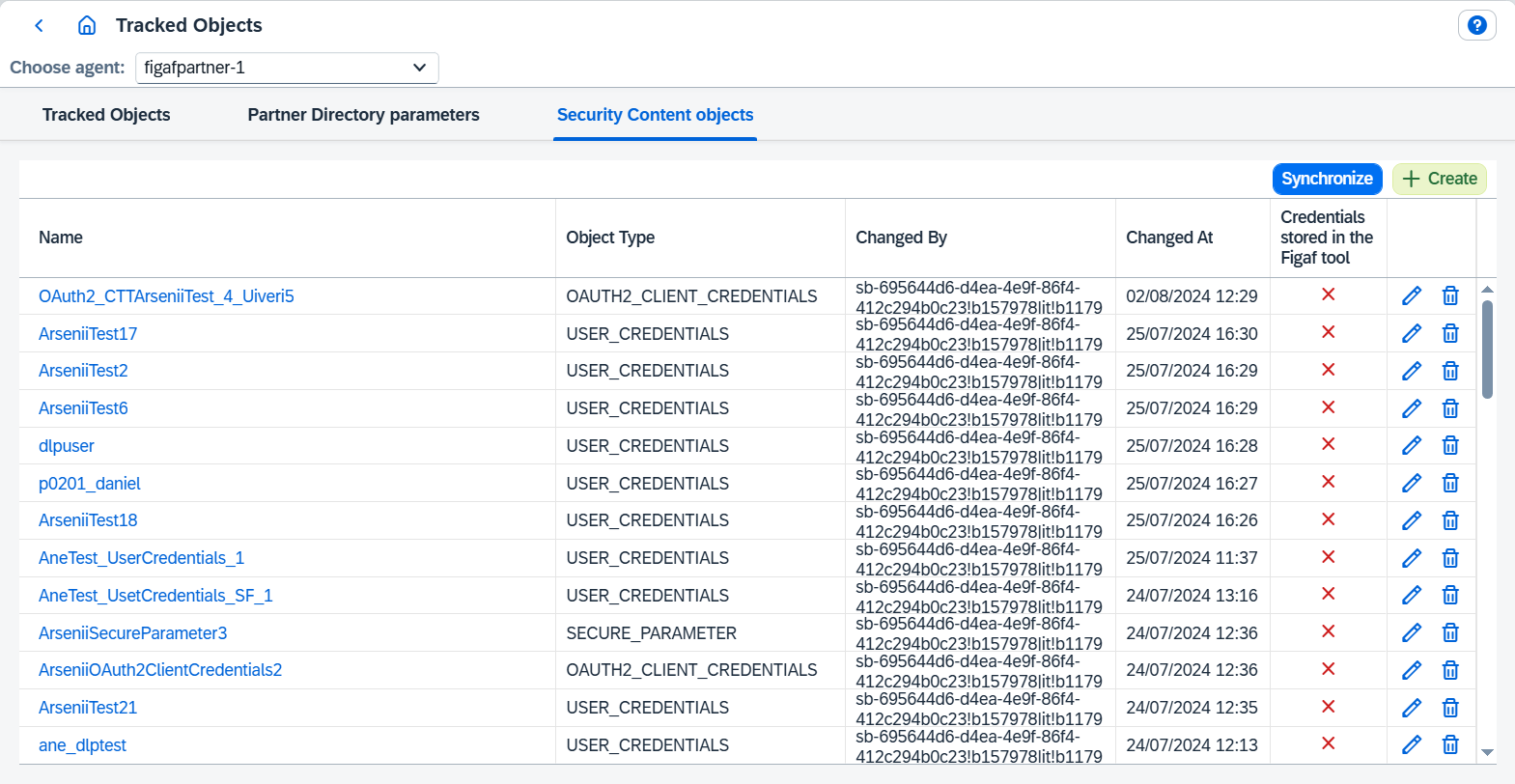
On this page you can:
-
Synchronizesecurity content objects. -
Createnew security content object:Create object
To create new security content object follow the steps:
-
Go to
Change Tracking Tool → Tracked Objectspage. -
Select CPI or Integration Suite Agent.
-
Go to
Security Content objectstab. -
Click on
Createbutton. It opensCreatedialog where should be configured:-
Object Type- one of supported typesUser Credentials,OAuth2 Client CredentialsorSecure Parameter. -
Other parameters related to selected
Object Type.
-
-
Once everything is configured, save. Then new object will be created and automatically synchronized.
-
-
Delete object.
-
Edit object.
Edit object
To edit existing object follow the steps:
-
Go to
Change Tracking Tool → Tracked Objectspage. -
Select CPI or Integration Suite Agent.
-
Go to
Security Content objectstab. -
Click on
 button. It opens
 Editdialog where new configuration should be configured. -
Once everything is configured, save. Then object will be updated and automatically synchronized.
-
-
Go to tracked object of the object.
Security Content objects are tracked like any other content, so they appear in Change Tracking Tool and can be moved between systems with DevOps.