Test Runs page
Test Runs page shows the test cases that were run in period defined in Running Date filter and looks:
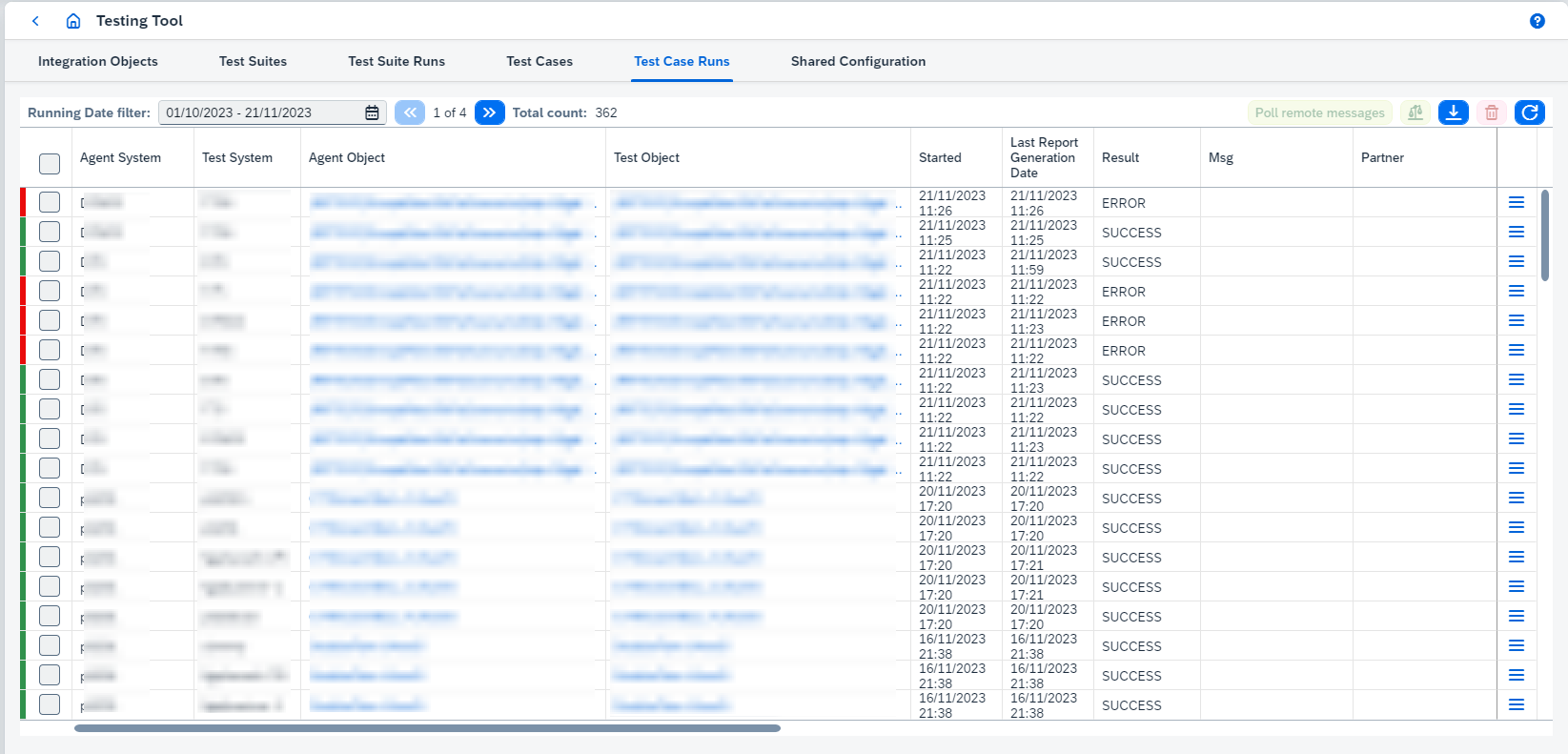
On this page you can:
-
Poll remote messages.
Open Last Polling Resultbutton is available after polling remote data and until page is refreshed. -
Compare results clicking on
 .
.The option reprocesses comparison and report generation asynchronously. It makes sense to execute the option once you have configured a new "ignore rule". -
View Agent Object clicking on 'Agent Object'. It opens Integration Object Details page.
-
View Test Object clicking on 'Test Object'. It opens Integration Object Details page.
-
The options available in run’s
 button:
-
Download report.Report type can be one of 2 types:
-
xlsxreport:-
Contains information about test run/test suite run results.
-
By default only failed results are added to
xlsxreport. If you want to change this behavior, go toConfiguration → Applicationpage and enableShow successful messages in the test suite’s reportproperty.
-
-
ziparchive with 3csvreports:-
test-run-metadata.csv- contains common information about test run/test suite run (e.g. test object, counters for success/error/unexpected/not/compared/unfinished test run/test suite run results). -
diff-report.csv- contains diff report for test run/test suite run. -
processed-messages-report.csv- contains processed messages report for test run/test suite run.
-
The report type is defined from
Use bundled CSV report generation strategyproperty configured on Application configuration page. If it’s true, the report type iszip, otherwise, it’sxlsx. -
-
View resultsopens Test Run Details page.
-